JPG to WebP Converter
Best for web developers cutting page weight by switching JPG assets to modern WebP.
Drop files or a folder here
or click to browse · paste from clipboard
Accepts .JPG, .JPEG · Up to 1,000 files
Convert legacy JPG files to a lossless WebP format, and enjoy (up to) 90%+ savings in file size without sacrificing image quality, based on tests. Users will see the exact savings after each conversion. Nothing uploads to a server, so users can compress private photos without uploading them and risking a data breach, since everything is processed in the browser.
How it works
Drop your files
Drag and drop, click to browse, or paste from clipboard. Up to 1,000 files at once.
Choose settings
Adjust quality, format, and other options to match your needs.
Click Convert
Everything runs in your browser via WebAssembly. JPG to WebP Converter happens locally — no server involved.
Download
Download files individually or grab all at once as a ZIP.
JPG vs WebP — Difference’s Explained
JPG was the gold standard for images. Ask anyone with basic website knowledge, and they’ll know JPG is the default file format. It was created in 1992, and most cameras, including phone cameras, take images in JPG format. Almost every website uses JPG images too. So, it’s well known and works a treat, but the math behind JPG was developed over 30 years ago for totally different hardware than what we use these days.
The WebP image format is a more modern alternative to JPG, designed by Google in 2010. With more efficient compression, WebP images of the same quality are much smaller than equivalent JPG images. WebP images can also be opaque or transparent, and can contain short animations, such as GIFs.
If your images will be used on a website, then WebP will load faster and use less bandwidth. However, if you’re printing images or sending them to people with older phones and cameras, JPG is the safer bet.
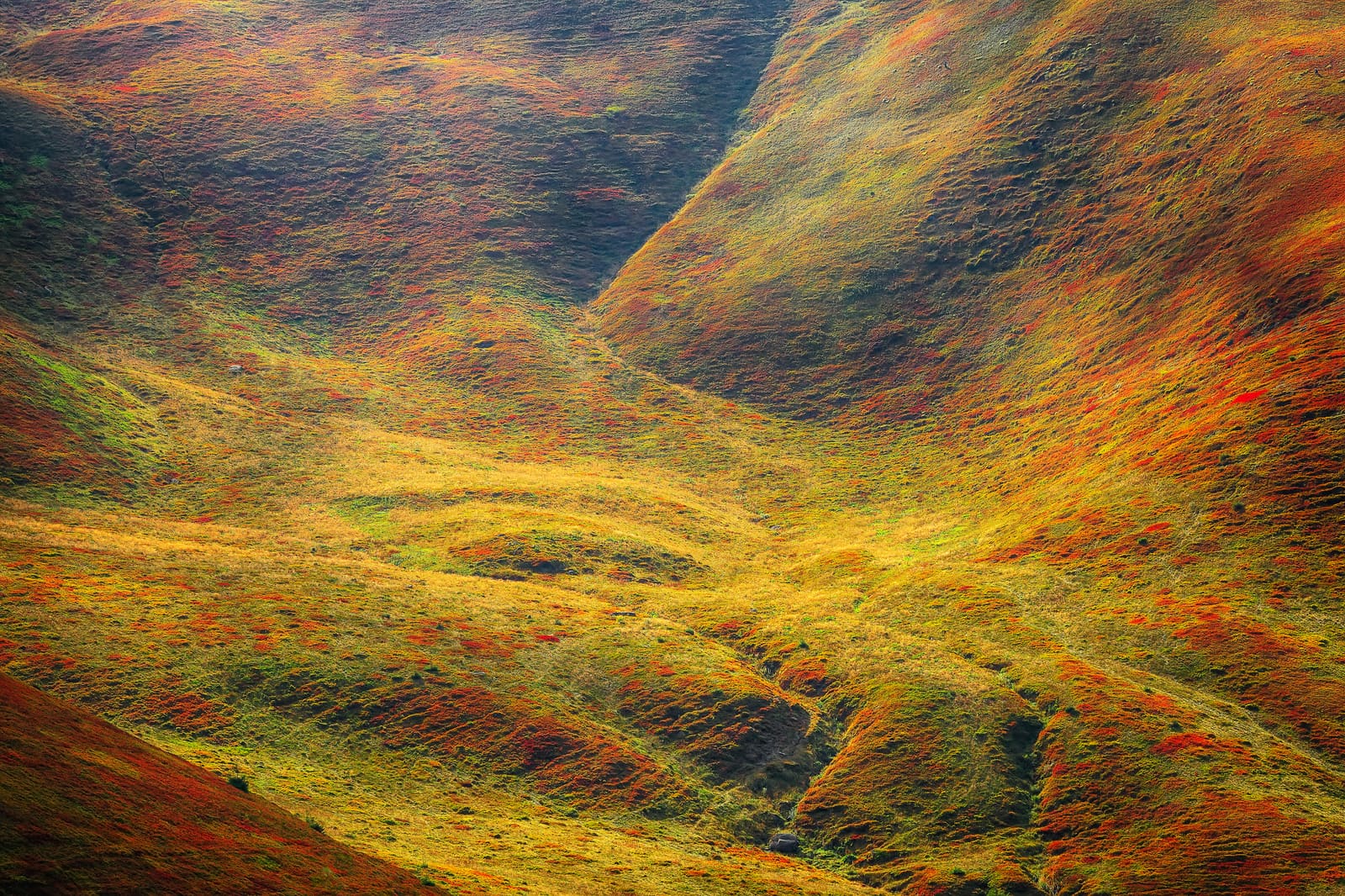 JPG — 24 MB
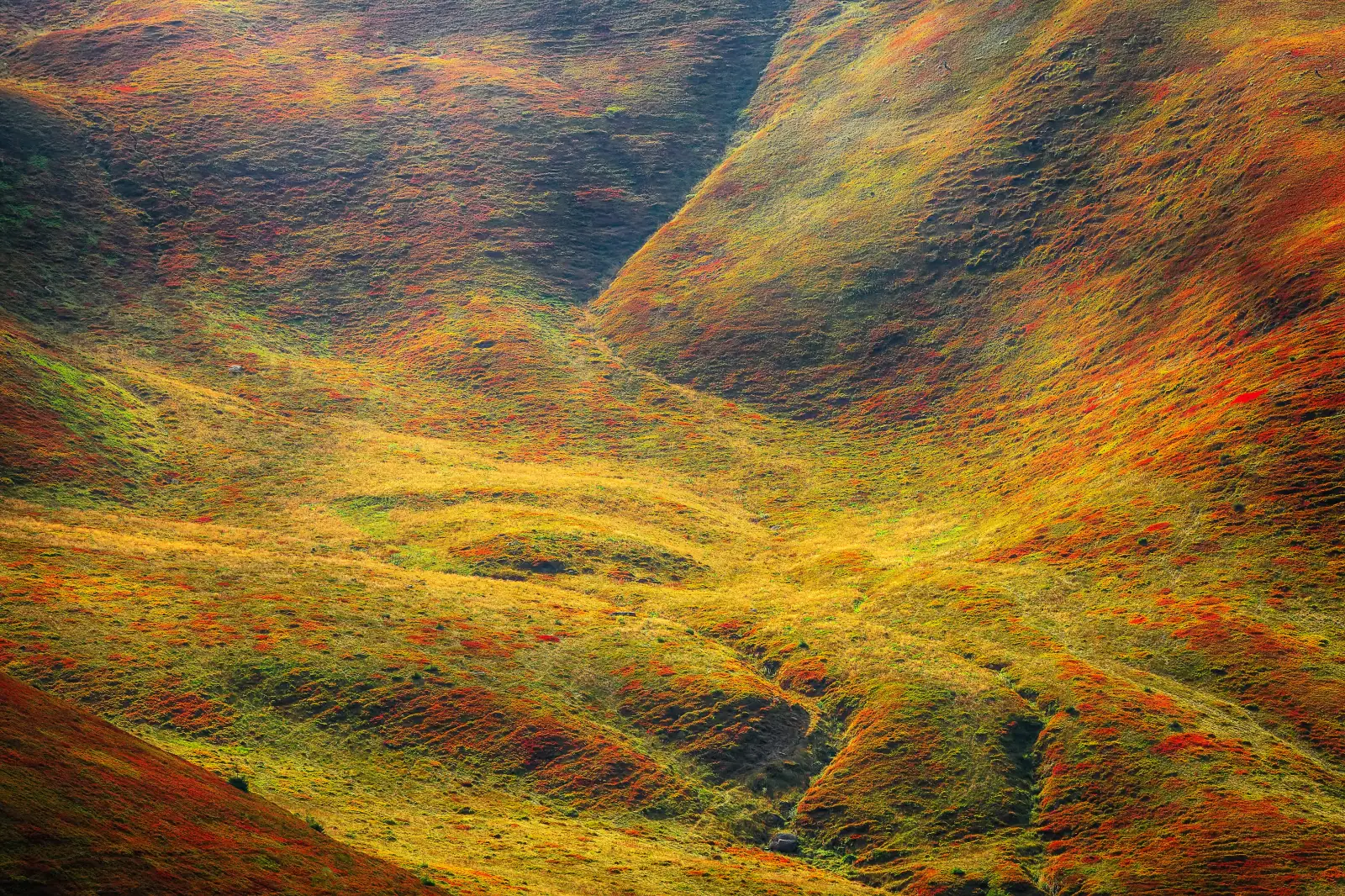 WebP — 6.1 MB
Real conversion: 24 MB JPG → 6.1 MB WebP (74% smaller) at the same visual quality. Drag the slider to compare.
Side-by-side
- File size: WebP is 25-80% smaller than an equivalent JPG file.
- Transparency: WebP supports it; JPG does not.
- Animation support: WebP supports animations (short, animated pictures, like GIFs), JPG does not.
- Browser Support: Modern browsers, including even very old ones, support WebP, but not older browsers.
- Photo editing software: JPG files open in every single photo editing program available. Most modern photo editing software also supports WebP files but not all older programs.
Frequently asked questions
At the default quality setting of 80%, the difference is negligible to most viewers. WebP is more efficient than JPG at the same quality, especially if you turn on lossless mode. The only scenario where you’ll see a noticeable degradation is using low quality settings (50 or below), which looks bad regardless of format.
Based on my tests, I'm getting over 70% savings converting JPG to WebP at 80% quality. However, results may vary depending on the content. Check the demo output below and the slider to see the JPG and WebP side by side; you'll hardly notice any change. ConvertYard shows you the exact byte savings per file in your results so you can see the difference immediately.
WebP is supported in all modern browsers: Chrome, Edge, Firefox, and Safari (since version 14, released September 2020). That covers over 97% of global web traffic. If you need to support Safari 13 or Internet Explorer, stick with JPG. For any modern web project, WebP is the right default.
Lossy WebP (the default) discards some pixel data to shrink file size — at quality 80, the loss is negligible. Lossless WebP preserves every pixel exactly, like a PNG, but uses smarter compression than PNG and is typically 25% smaller than an equivalent PNG. Lossless files are 10–30% larger than lossy equivalents. Use lossless for logos, screenshots, UI assets, or images you plan to edit again.
Yes, you can drop all contents of a folder at once, but note that this will take longer than a smaller batch. One advantage of browser conversion is that it reduces the time it takes because it skips the file upload process. Most ‘free’ image converter sites also limit how many files they can process because of storage limits on their servers. Conversion speed depends on several factors: image size and processor speed. Typically, a 1,000-file batch conversion takes about 5 to 15 minutes. After conversion, you can download the batch as a zip file.
Nothing uploads. The file conversion is done entirely in your browser using WebAssembly. This is the same technology behind browser-based tools like Figma. The image files never leave your device. What our server does is deliver code to your browser, but all the processing happens locally, so there’s no risk of a data breach or people stealing your photos.